Why Your New CGM is Bleeding (And What to Do About It)
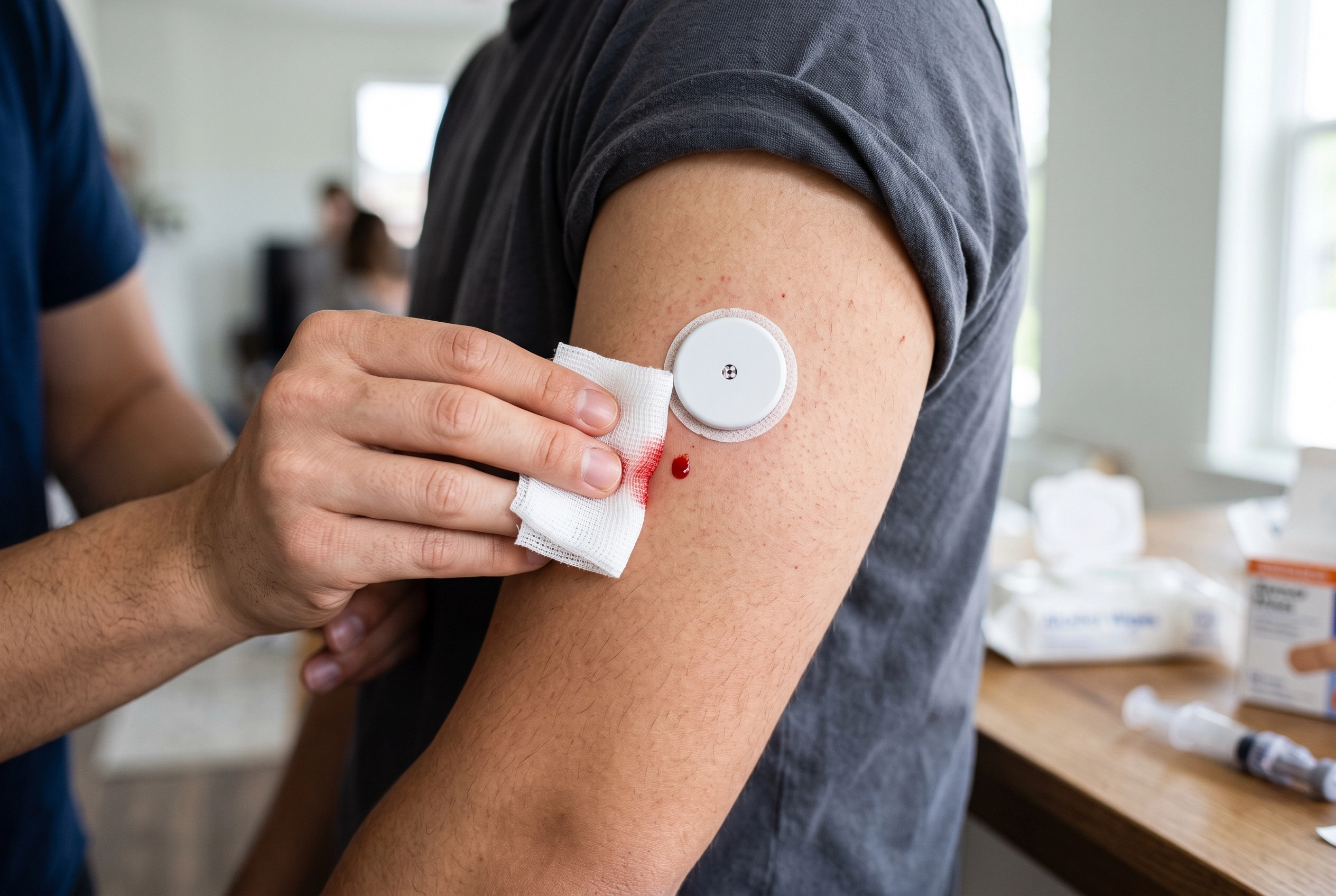
Applying a Continuous Glucose Monitor (CGM) for the first few times is a learning curve. You read the manual, prepare your arm, press the applicator, and expect a simple click. But occasionally, you pull the applicator away only to find a steady stream of blood running down your arm.
If this is your first or second sensor, seeing blood can be downright horrifying. It is easy to panic, worry that you hit a major vein, or fear that you just wasted an expensive piece of medical equipment. If you are staring at a bleeding sensor right now, take a deep breath. This phenomenon is incredibly common in the diabetes community—so common, in fact, that users have a nickname for them: "bleeders."
Let us break down exactly why this happens, how to handle the immediate aftermath, and how to determine if your sensor is still usable.
The Shock of a "Bleeder": You Are Not Alone
Managing a new diabetes diagnosis carries an immense emotional load. You are adjusting to tracking metrics, changing your lifestyle, and attaching hardware to your body. The psychological impact of seeing a reading of 115 mg/dL versus 180 mg/dL is stressful enough without the added fear of a malfunctioning device.
When a sensor bleeds, it triggers an immediate sense of alarm. Even medical professionals—like ICU nurses adjusting to their own new diabetes diagnosis—can find themselves caught off guard by a steady stream of blood from a Freestyle Libre or Dexcom. The fear is twofold: physical anxiety about the bleeding itself, and financial anxiety about wasting a sensor. Because getting a new sensor approved through insurance can take time, the thought of throwing one away is frustrating. Validating these feelings is the first step. It looks freaky at first, but it is a normal rite of passage in diabetes management.
Why Does a CGM Bleed During Insertion?
To understand why a sensor bleeds, you need to understand the biological context of how a CGM operates.
The Biology of the Insertion Site
Your skin is packed with a vast, microscopic network of capillaries—tiny blood vessels that deliver oxygen and nutrients to your tissues. A CGM does not actually measure the sugar in your blood directly. Instead, the applicator drives a tiny, flexible filament through the top layers of your skin and into the interstitial fluid (the fluid surrounding your cells).
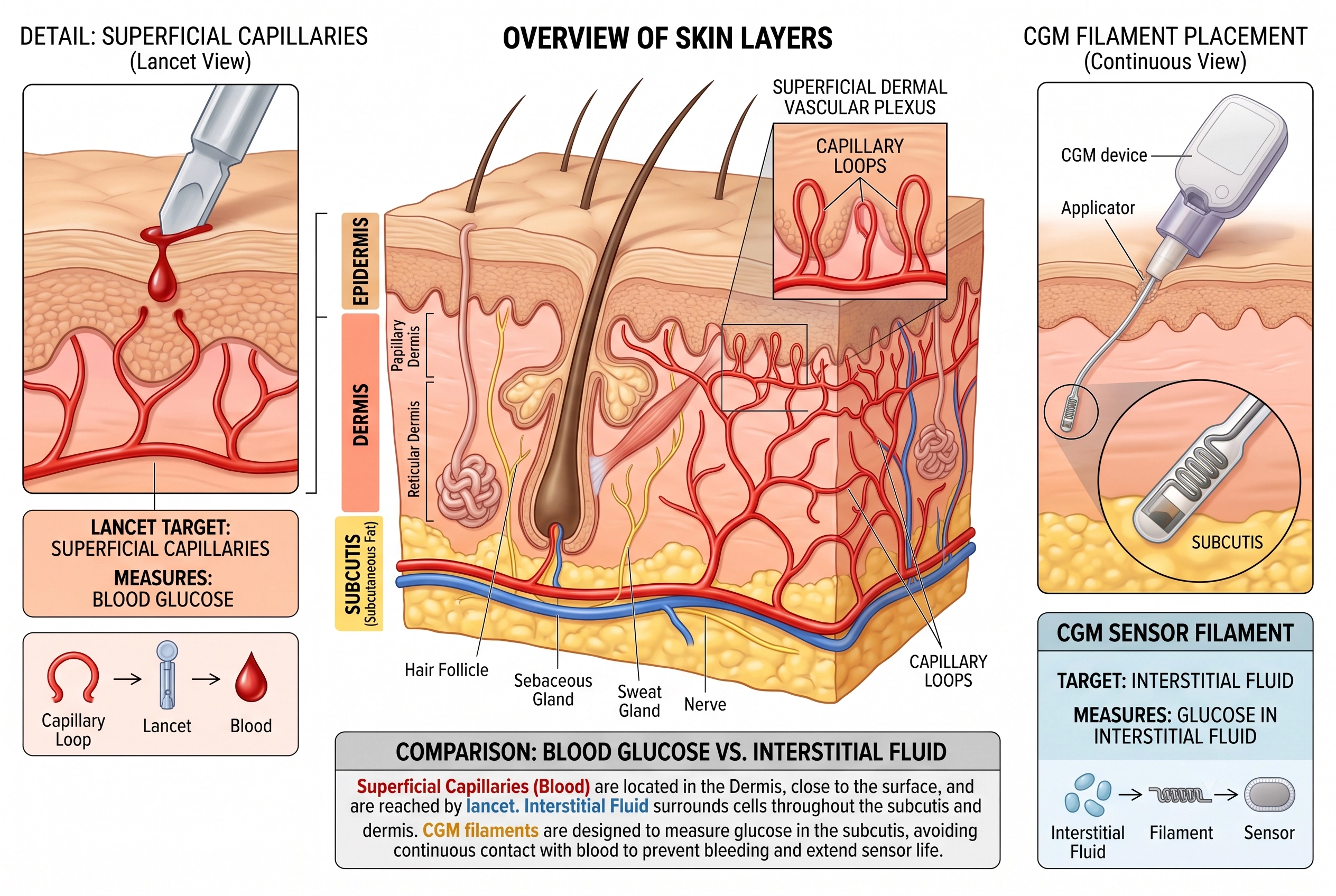
Because capillaries are densely packed just beneath the skin's surface, it is mathematically impossible to avoid them entirely every single time. When the introducer needle pierces the skin to guide the filament in, it will occasionally nick one of these tiny surface capillaries.
Did You Hit a Vein?
If you experience a steady stream of blood for a few minutes, your immediate thought might be, "I hit a vein!" In reality, it is highly unlikely you hit a deep vein. The introducer needle on devices like the Freestyle Libre 3+ or Dexcom G7 is relatively short—designed to reach only the subcutaneous tissue, not the deep circulatory system. What you are likely seeing is a highly localized pool of capillary blood that found a convenient exit route through the tiny hole created by the applicator. Once the body's natural clotting cascade activates, the bleeding will stop, usually within 5 to 10 minutes.
What to Do Immediately After Your Sensor Bleeds
When a bleeder happens, your primary goals are to stop the mess, prevent infection, and assess the damage without accidentally ripping the sensor off.
Step-by-Step Cleanup
- Apply Gentle Pressure: Use a clean tissue or piece of gauze to lightly dab the area. Do not press too hard or rub, as this can dislodge the adhesive or bend the filament.
- Clean the Perimeter: Once the bleeding naturally stops, you can gently clean the dried blood around the plastic housing. Using a cotton swab lightly dipped in hydrogen peroxide or warm soapy water works well.
- Leave the Adhesive Alone: Do not attempt to clean under the white adhesive patch. Introducing liquid under the patch will degrade the glue and cause the sensor to fall off prematurely.
Testing the Sensor’s Accuracy
There is an old saying in the diabetes community: "Bleeders are readers." Many people find that sensors that bleed initially end up being incredibly accurate once they settle. However, pooled blood around the filament can sometimes interfere with the interstitial fluid readings during the first 24 hours.
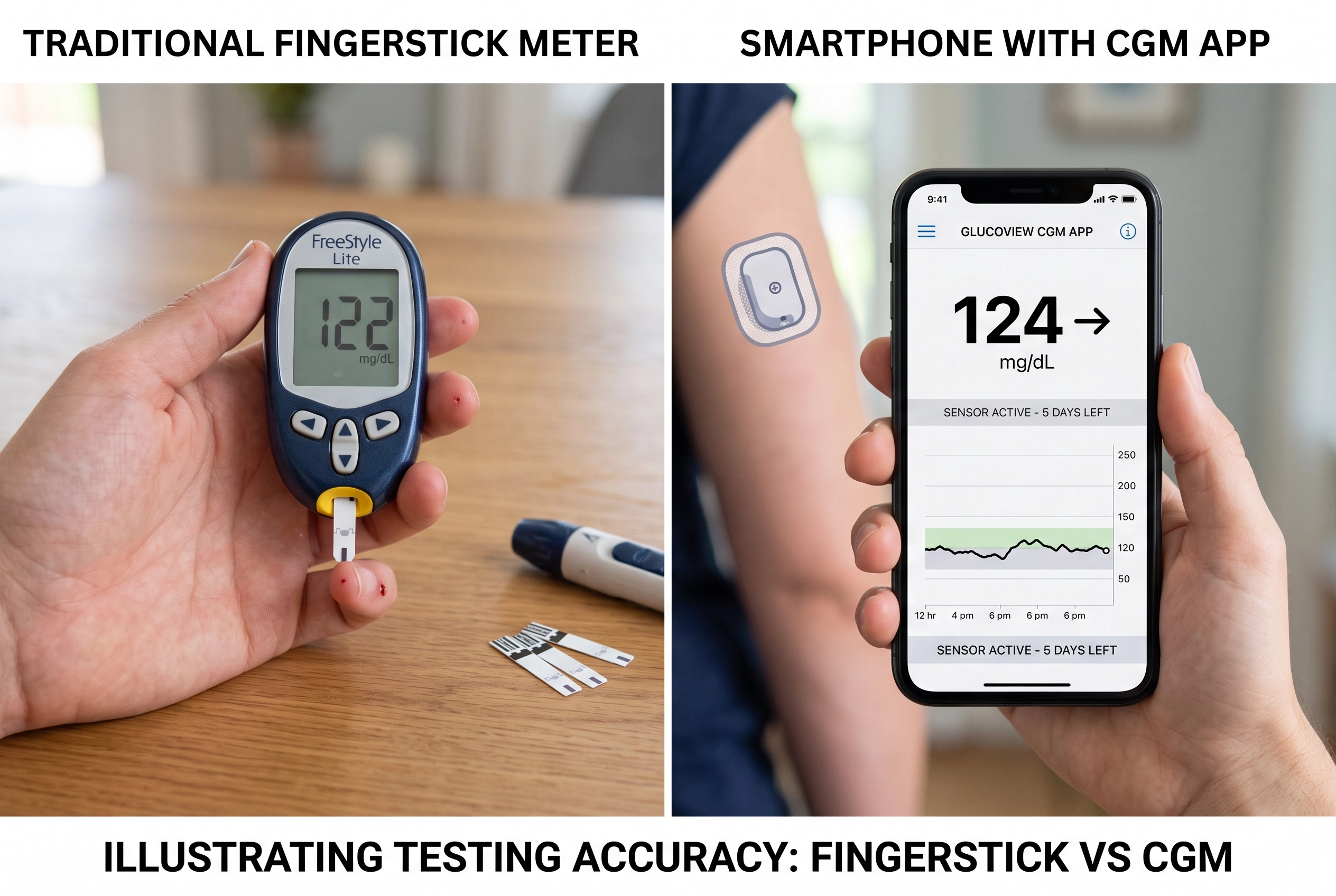
To test if your sensor is viable, compare its readings against a traditional fingerstick blood glucose meter. If the CGM is reading 80 mg/dL but your fingerstick says 140 mg/dL, the pooled blood may be skewing the data. Give it 12 to 24 hours. If the readings align closely with your fingerstick after the first day, the sensor is perfectly fine to use for its full lifespan.
When to Keep It vs. When to Remove It
Knowing when to call it quits on a sensor is a balance of medical necessity and practical resource management.
The Cost and Insurance Reality
Sensors are expensive, and insurance restrictions often mean you do not have a stockpile of backups. If the bleeding stops and the sensor is providing accurate numbers (verified by a finger test), there is no medical need to remove it just because there is a dried blood stain on the adhesive.
However, you should remove the sensor immediately if:
- The bleeding does not stop after 10-15 minutes of light pressure.
- The insertion site becomes increasingly painful, hot, or swollen (signs of infection).
- The sensor constantly gives "Sensor Error" messages or reads drastically low/high compared to a fingerstick after the first 24 hours.
Getting a Free Replacement
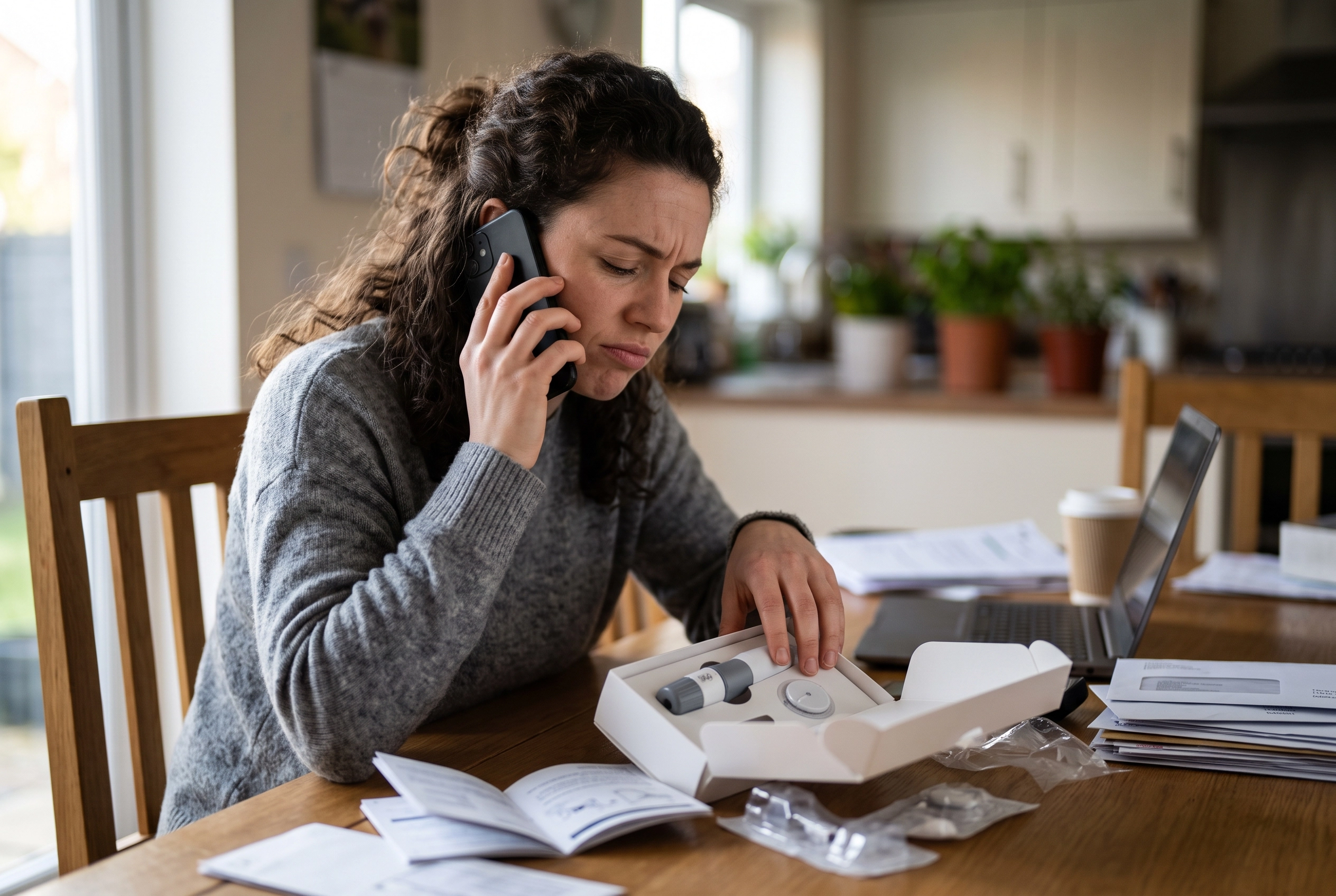
If the sensor fails to work or stops working sooner than it should due to the bleeding, you do not have to absorb the financial loss. Contact the manufacturer's support line (e.g., Abbott for Libre, Dexcom for G7). Most manufacturers are very accommodating regarding failed insertions and will likely send you a free replacement through the mail.
Tips to Prevent Future Bleeding
While you cannot completely eliminate the risk of hitting a capillary, you can minimize the chances of a messy insertion:
- Rotate Sites Carefully: Avoid inserting a new sensor directly into scar tissue, stretch marks, or areas where you recently had a bleeder.
- Stay Hydrated: Well-hydrated tissue is more pliable, which can sometimes allow the tiny needle to glide past capillaries rather than piercing them directly.
- Avoid Tensed Muscles: Apply the sensor while your arm is completely relaxed. Flexing the muscle pulls the skin taut and changes the depth of the subcutaneous tissue.
- Use Good Lighting: Look closely at the skin on the back of your arm. If you can see visible blue or green surface vessels, shift the applicator half an inch away.
Supporting Your Broader Metabolic Health
A CGM is an incredible tool for mapping your body's response to food, stress, and activity, giving you the power to make informed lifestyle choices. However, managing blood sugar is a holistic endeavor. While your CGM acts as the dashboard, your daily habits drive the vehicle.
If you are dealing with the fatigue and fluctuating appetite that often accompany blood sugar swings, combining your tracking data with targeted nutritional support may help. Products like NuviaLab Sugar Control offer a food supplement designed to support the maintenance of normal blood sugar levels. This supplement features a combination of 9 ingredients, including certified plant extracts, vitamins, and minerals. Regular use contributes to the regulation of hormonal activity, helps reduce feelings of fatigue, and supports proper macronutrient metabolism in the blood. Additionally, it can help reduce appetite and calorie intake, which aligns perfectly with a broader metabolic health plan.
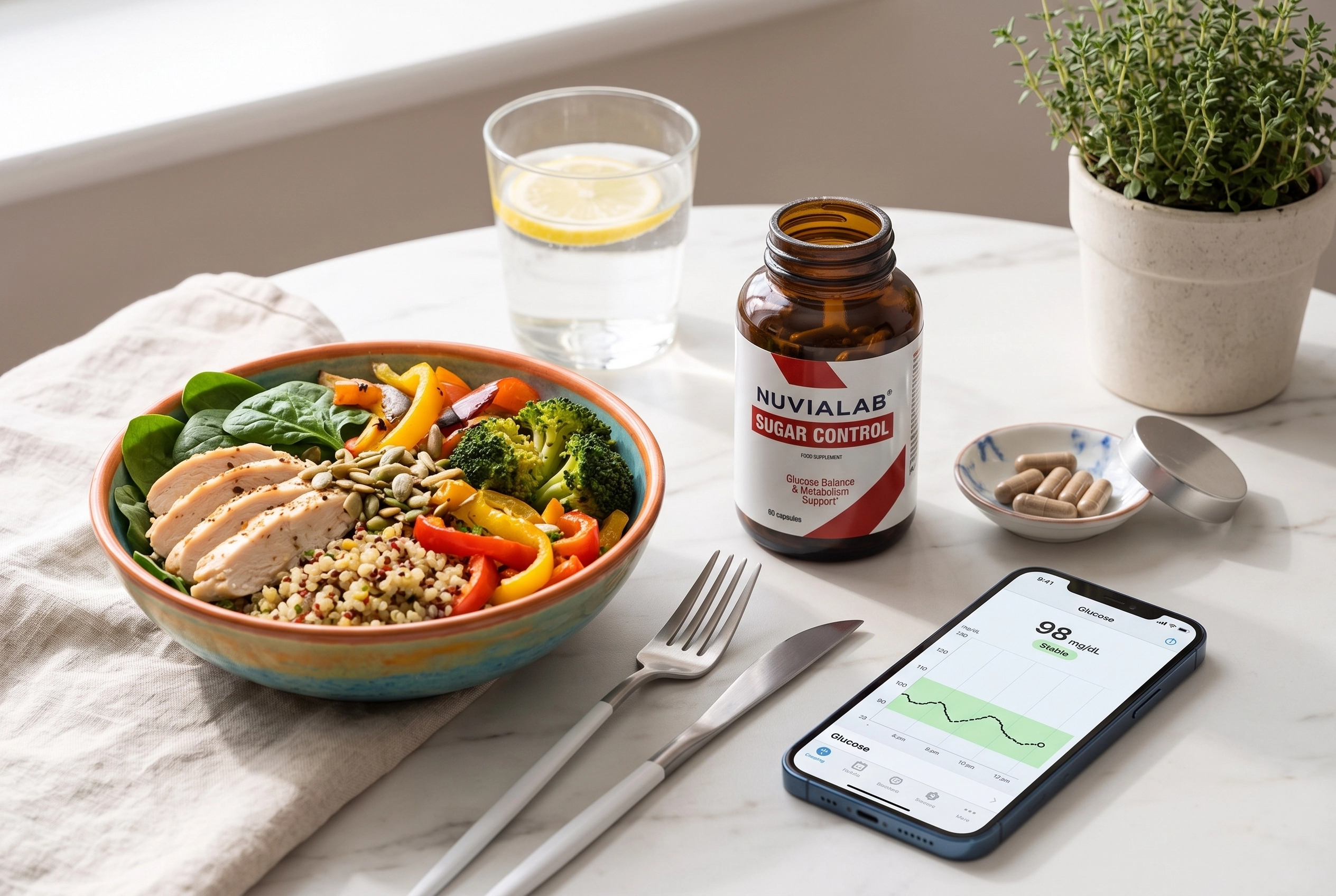
Always talk with your healthcare provider before starting any new supplement, especially if you are currently taking prescribed diabetes medications.
FAQ
Is a bleeding CGM ruined?
Not necessarily. Many sensors that bleed during insertion function perfectly well once the blood dries. Verify the readings with a fingerstick meter for the first 24 hours.
Does a bleeding sensor hurt more?
Surprisingly, no. Most users report that a "bleeder" feels exactly the same as a normal insertion. If you experience sharp, continuous pain, the filament may be resting against a muscle fascia or nerve, and the sensor should be removed.
Can I shower with dried blood on the sensor adhesive?
Yes. You can shower normally. The water will naturally wash away some of the dried surface blood. Just avoid aggressively scrubbing the sensor site.
Medical Disclaimer: This content is for informational purposes only and does not replace professional medical advice, diagnosis, or treatment. Always consult your healthcare provider regarding your diabetes management, CGM use, or before starting any new dietary supplements.
You should also read:
"I Haven't Changed My Diet!" Why Your Blood Sugar is Suddenly Spiking
It is one of the most frustrating experiences in diabetes management: You step over to your meter. You know exactly what you’ve eaten. You’ve been perfectly consistent with your low-carb, high-protein routine. Your numbers have been steady—maybe averaging around 125 mg/dL between meals and 150…
Continue reading...
Are Your Diabetes Apps Causing Burnout? Here’s How to Simplify Your Daily Routine
If you spend any time in online diabetes communities, you will inevitably see posts asking people to take a "diabetes managing app survey." Developers are constantly trying to build the next great tool to help people with type 2 diabetes or prediabetes track their lives.
Continue reading...
Is Feeling Sleepy After Eating a Sign of Diabetes? What It May Mean
Feeling sleepy after eating can be frustrating, especially when it happens in the middle of the day. You eat lunch, return to work, and suddenly your body feels heavy. Your eyes want to close. Your focus disappears. Then a worrying thought appears: “Is feeling sleepy…
Continue reading...